Bulk YouTube Downloader Many Links, One Click
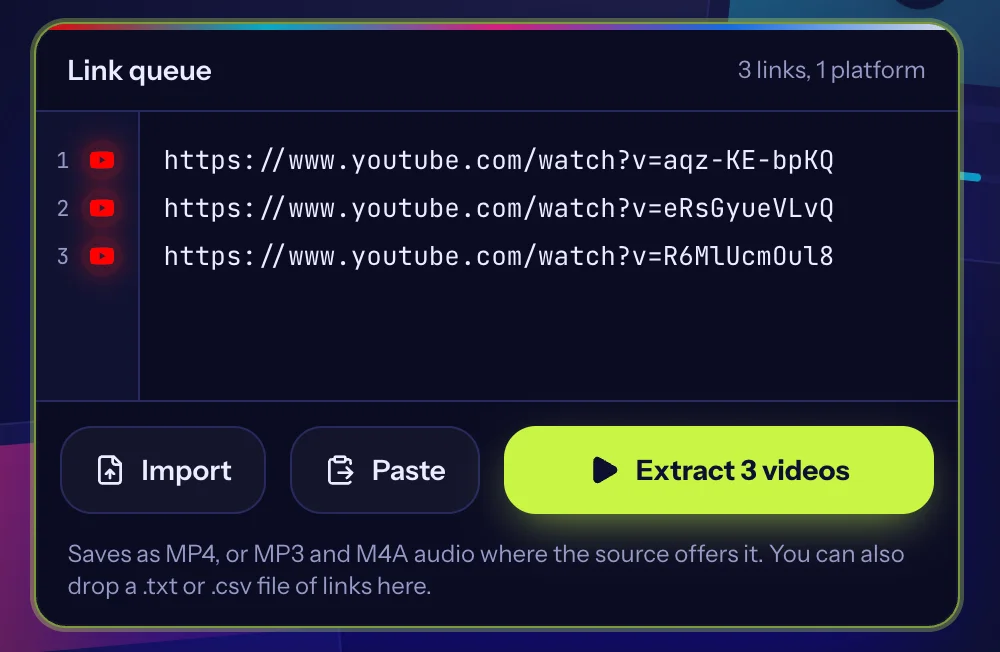
Paste up to 100 links, one per line
Saves as MP4, or MP3 and M4A audio where the source offers it. You can also drop a .txt or .csv file of links here.
Only save videos you own or have permission to download. Read our copyright policy and the guide to downloading responsibly.
Download many YouTube videos in one session. Paste a list of links, let us look each one up, then save the videos you want one after another.
Built for lists, not one link at a time
Batch download
Paste up to 100 links at once. We read them in parallel across platforms and you save everything in one go.
Fast lookups
Every link is checked at the same time, so a long list does not mean a long wait.
No signup
No account, no install. Paste, pick a quality, save.
Quality you choose
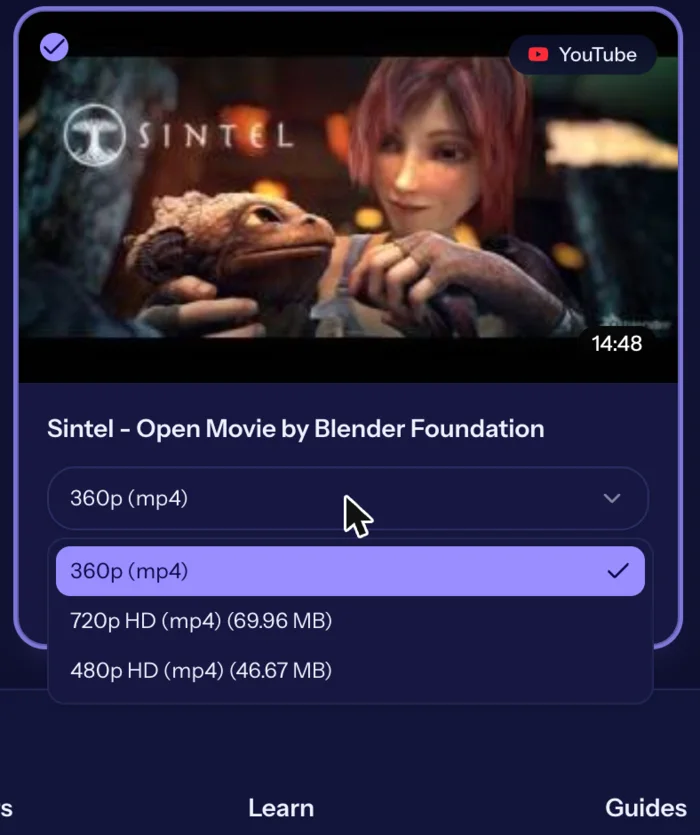
Each video lists the versions the source offers, from standard up to HD where the platform provides it.
Audio too
Save the sound of a video as MP3 or M4A when the source offers it.
Three steps
- 1
Paste
Copy video links from any supported platform and paste them into the link queue.
- 2
Choose
Pick the quality and format for each video, or leave the default.
- 3
Download
Save one video or the whole batch to your device.
See it in action
Real screenshots from the live tool. The example videos are Creative Commons films by the Blender Foundation, which anyone may share.
How to bulk YouTube Downloader
- Collect your links. Copy each YouTube link, or paste a list. Put one link per line.
- Paste and extract. Paste everything into the box and press Extract Videos. Links are looked up a few at a time.
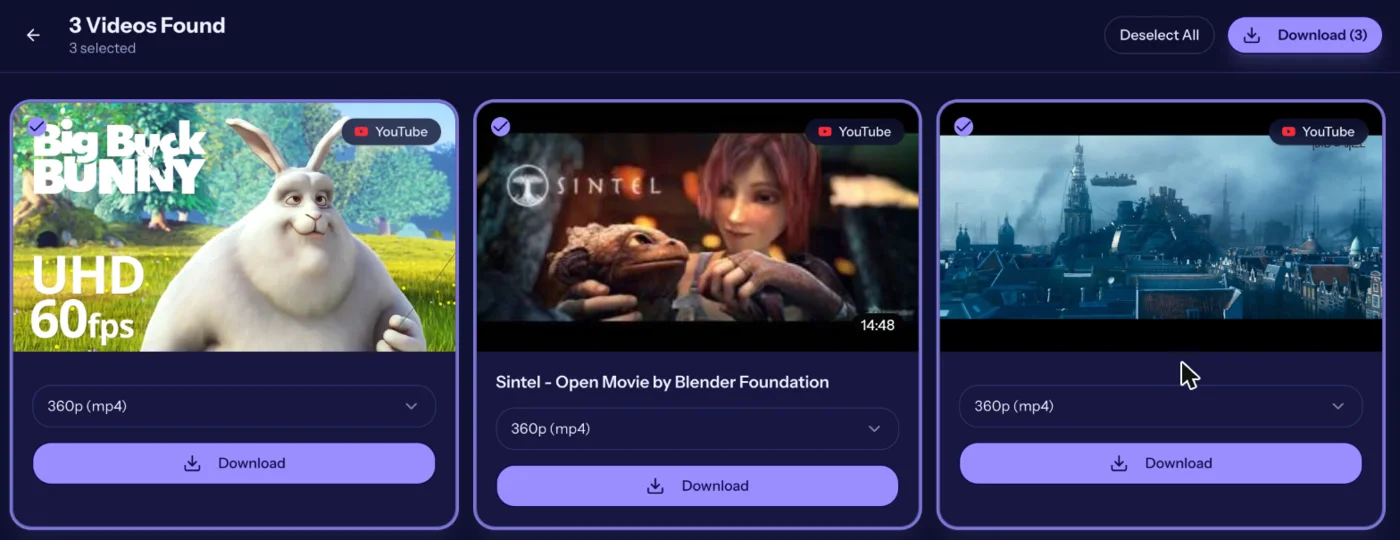
- Review the list. Untick videos you do not need and change the quality where there is a choice.
- Download all. Press Download All. Files save one after another; allow multiple downloads if your browser asks.
Why bulk matters
Saving videos one by one means pasting, waiting and clicking over and over. Here you paste the whole list once, review the thumbnails and titles, and save the lot.
Tips for large batches
- Keep batches to about 20 to 30 links if you want results quickly
- Mix watch links, youtu.be links and Shorts links freely
- If a few links fail, press Extract again for just those links
- Allow multiple downloads in your browser when asked
Playlists
Playlist links are not expanded automatically. Copy the individual video links from the playlist and paste them as a list.
Quality
Each video can be saved as a 360p MP4 with sound. Audio-only is offered for videos under about 10 minutes.
Related tools and guides
Helpful reading
- How it worksSee how BulkVideoDownloader turns a list of public video links into files on your device: paste, extract, choose a quality, save. No account or install.
- Frequently asked questionsAnswers to common questions about BulkVideoDownloader: cost, supported platforms, quality, privacy, copyright and what to do when a link will not download.
- How to Copy a Video Link on Any PlatformStep-by-step instructions for copying a video link on TikTok, Instagram, Facebook and X, on phone and computer, plus how to tell if a link is complete.
- Video Quality Explained: 360p to 4KWhat 360p, 720p, 1080p and 4K mean, how much space each uses and how to pick the right quality when you save a video.
- Why Can't I Download This Video?If a video link fails in a downloader, here are the usual reasons: private posts, live streams, age limits, region locks, broken links, and rate limits.
- Downloading Videos Responsibly: Copyright and Permission BasicsA plain-language guide to copyright, permission, fair use and platform terms when you save online videos, plus what to do if your own content is misused.
Frequently asked questions
- How many YouTube videos can I download at once?
- Up to 100 links per batch.
- Can I download a whole playlist?
- Not automatically. Paste the individual video links.
- Are the downloads in order?
- Yes, in the order of your list.
- Why are some links failing?
- They may be private, live or age-restricted. Press Extract again to retry.
- Is there a limit per day?
- No fixed daily limit.