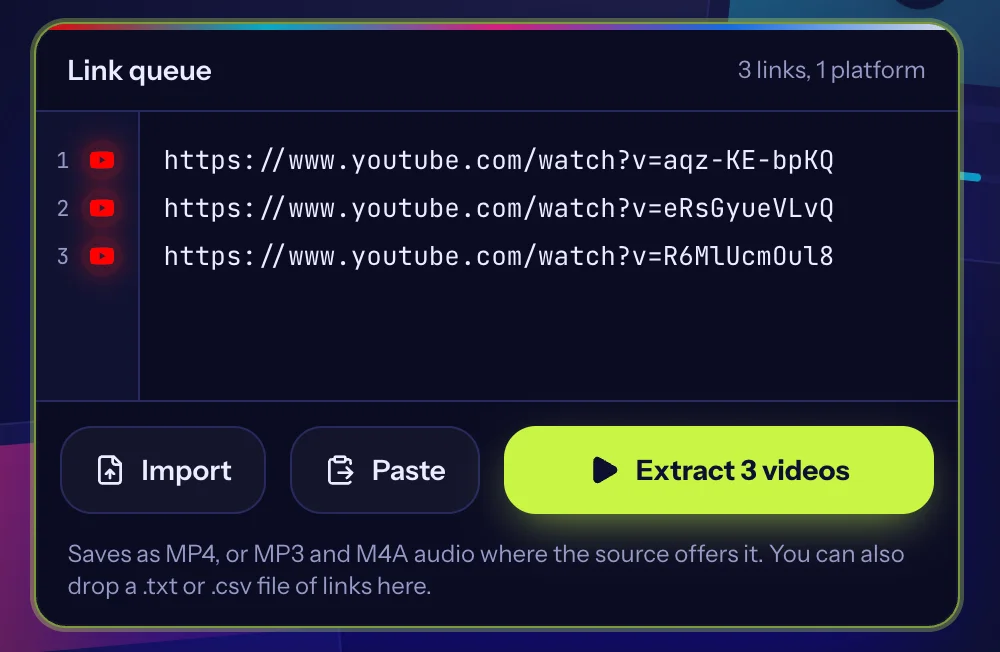
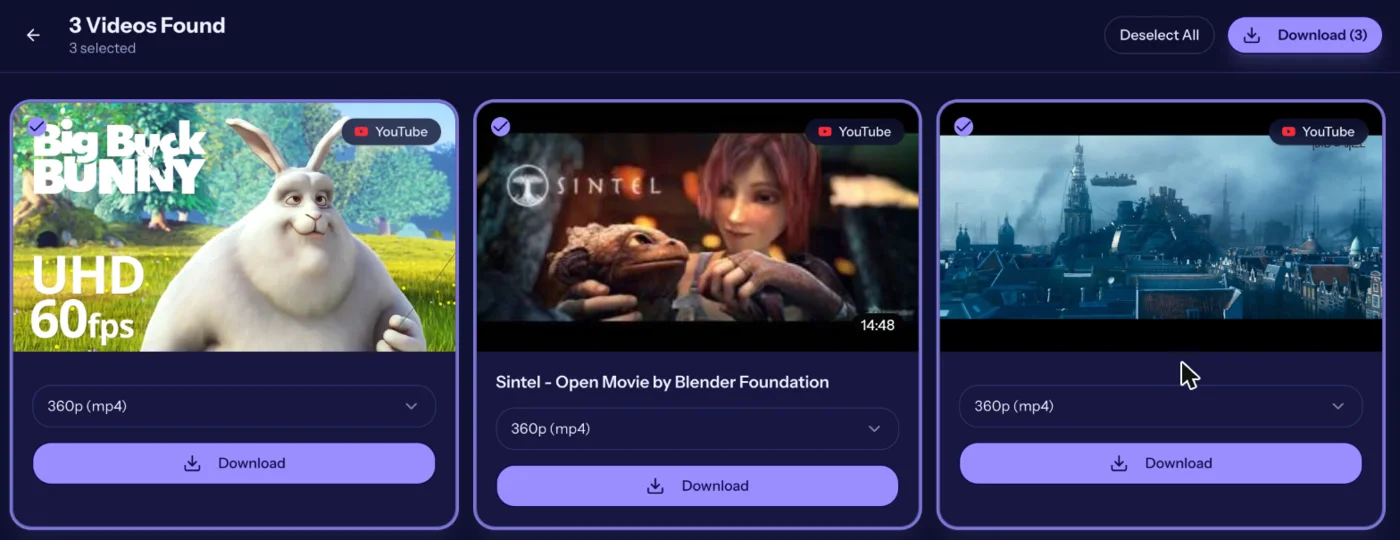
What happens when you press Extract
Your browser sends each link to our servers. For every link we ask the platform for the information it publishes about that public video: the title, thumbnail, duration and the list of file versions it serves. We never ask you to log in to anything and we cannot see private posts, so private, deleted or restricted videos simply come back with an error message.
Lookups run a few at a time instead of all at once. That keeps a long list from hitting the platform's rate limits, and it means the results appear as they arrive rather than all at the end.
Where your files come from
The video file is delivered from the platform's own servers to your browser. For some sources it passes through our download relay on the way, so that your browser can save it with a proper file name. We do not keep a copy: nothing is written to disk on our side and nothing is stored after the transfer ends.
Because we only pass along what the platform already serves publicly, the quality you get is the quality the platform offers for that video. We do not upscale, re-edit or re-encode, with one exception: when a source provides video and audio as two separate streams, we join them into a single MP4 as the file downloads, without re-encoding either one.
Quality and formats
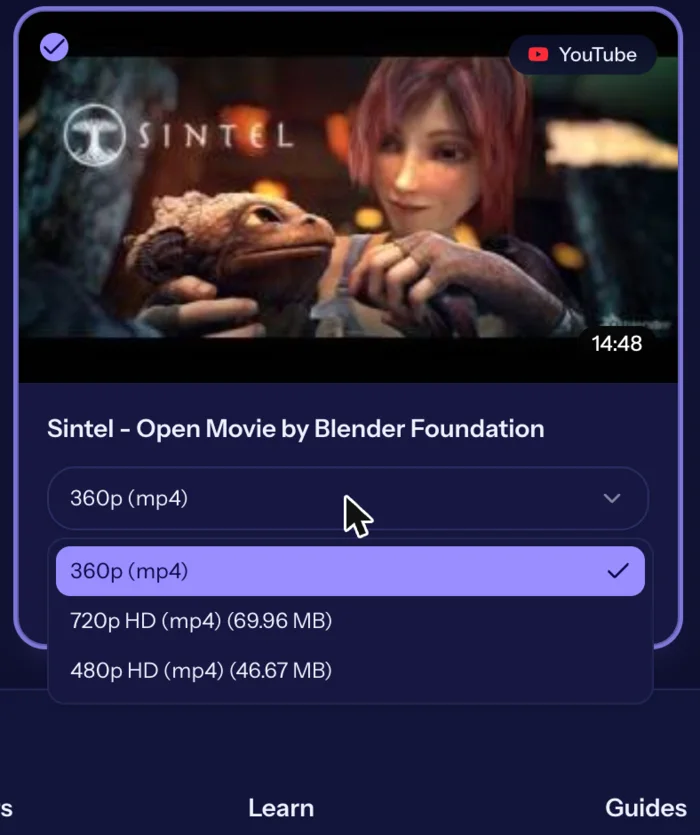
What you see in the quality menu depends entirely on the source video.
- MP4 is the default video format and plays on virtually every phone, computer and TV.
- HD versions (720p and 1080p) appear when the platform serves them. A video that was uploaded in low resolution cannot be offered in HD.
- Audio-only options (MP3 or M4A) appear when the source provides a separate audio track.
- File size grows quickly with resolution. The menu shows the size next to each option so you can choose before you download.
Limits to know about
- Up to 100 links per batch. Paste a second batch when the first is done.
- Public videos only. We do not support private accounts, paywalled or members-only videos, or anything that needs a login.
- Very long videos may offer fewer HD options, because the largest files are not practical to prepare in a browser session.
- The service depends on the platforms, which change their sites without warning. If a platform changes something, a link that worked yesterday can fail today. Try again later or see the troubleshooting guide.
When a link fails
Most failures have one of a handful of causes: the video is private or was deleted, the link was copied incompletely, or the platform limited access for a moment. Our guide on why a video cannot be downloaded walks through each one, and our guide on copying video links shows the right way to copy a link on each platform.
Use it responsibly
Saving a video for yourself is not the same as having the right to reuse it. Download content you own, content in the public domain, or content whose owner has given you permission. Credit is not permission, and a video being public does not make it free to republish. Our guide on downloading videos responsibly explains the basics, and our copyright page explains how to ask us to block a link.
Quick answers
Do I need an account to use BulkVideoDownloader?
No. There is nothing to sign up for or install. You paste links, choose a quality and save the files.
How many links can I paste at once?
Up to 100 links per batch. If you have more, run a second batch after the first finishes.
Where are my downloaded files saved?
In your browser's normal download location. On a phone, see our guide on where downloaded videos go on iPhone and Android.
Do you keep copies of the videos I download?
No. We do not store video files or your list of links against your identity. See the privacy policy for the details.
More answers on the FAQ page.
Ready to try it with your own links?
Paste links